
How-To: AC EVO Liveries
External liveries for Assetto Corsa EVO (AC EVO): where the game keeps them, which files to upload, what the SavedCar is for and how to install them. The steps of the livery form are in Livery Upload.
Folders
AC EVO keeps its data in Saved Games\ACE in your user folder (%USERPROFILE%\Saved Games\ACE):
ExternalLiveries\<folder name>: the livery folder with its files.ProfileData\<profile>\OpenData\SavedCars: the SavedCars, your cars as saved in the game.
The Folder name in the livery form is the name of the livery folder, at most 48 characters and without < > : " / \ | ? *. No other AC EVO livery may use it.
Painting a livery
Paint your livery in the livery editor of the game, or with the official template of the car and a tool like LiveryLab Evo, and export it as an external livery. Once you chose the car in the livery form, the help text of EXT_Skin_C.png links to the official template, if there is one.
Livery files
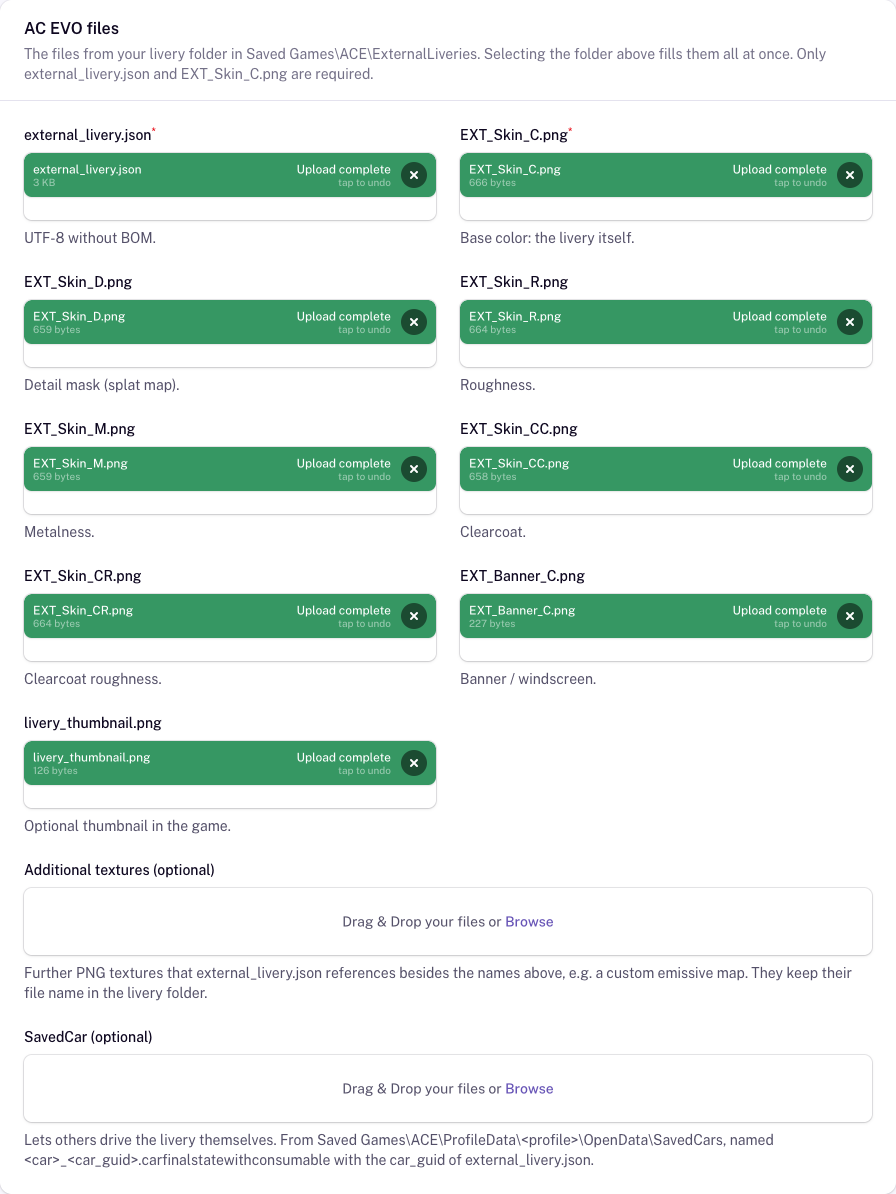
external_livery.json(required): the material configuration. It must be saved as UTF-8 without BOM, otherwise the game ignores the livery.EXT_Skin_C.png(required): the base color, i.e. the livery itself.- Optional textures:
EXT_Skin_D.png(detail mask),EXT_Skin_R.png(roughness),EXT_Skin_M.png(metalness),EXT_Skin_CC.png(clearcoat),EXT_Skin_CR.png(clearcoat roughness) andEXT_Banner_C.png(banner / windscreen). livery_thumbnail.png(optional): the thumbnail in the game. Without images of your own, it is also used as the preview image of the livery.- Additional textures: further textures that
external_livery.jsonreferences, up to 16.
The textures must keep these names. Each one is a real PNG whose width and height are powers of two up to 4096 pixels, at most 32 MB; all files of a livery together may have 150 MB.
The quickest way: select the livery folder from ExternalLiveries, or an unpacked LiveryLab package, or drop it onto the form. All files are filled at once, together with the folder name and the car. A SavedCar in a SavedCar or SavedCars subfolder, or next to the files, is taken if its car_guid matches.
SavedCar
The livery folder alone lets you see the livery on other drivers online. To drive the livery yourself, the game needs a SavedCar: the car with your livery, as it shows up under My cars in the game.
Optionally, upload the SavedCar with your livery. You find it in Saved Games\ACE\ProfileData\<profile>\OpenData\SavedCars, named <car>_<car_guid>.carfinalstatewithconsumable, where <car> is the car of the livery and <car_guid> the one in your external_livery.json. The form checks both.
A SavedCar is tied to the game version: after an AC EVO update it may stop working until its creator uploads a new one.
Installing AC EVO liveries
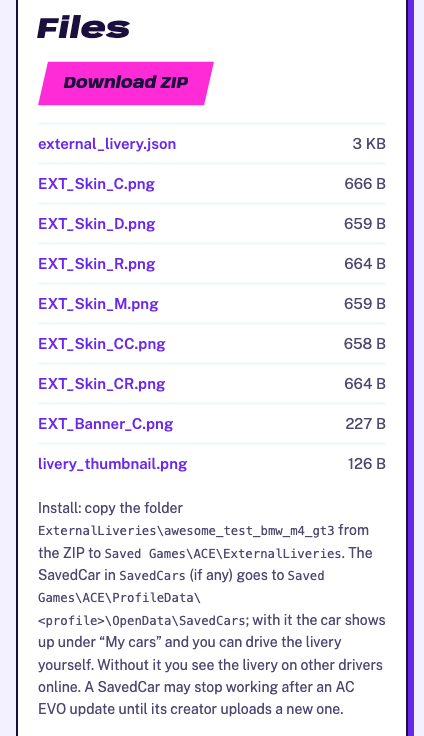
The desktop client installs ACC liveries only for now; AC EVO support follows with a client update. Until then, install AC EVO liveries from their ZIP:
- Click Download ZIP on the livery page.
- Copy the folder in
ExternalLiveriesfrom the ZIP toSaved Games\ACE\ExternalLiveries. - If the ZIP has a
SavedCarsfolder, copy the file in it toSaved Games\ACE\ProfileData\<profile>\OpenData\SavedCars. - Restart the game.
Problems
- The livery does not show up in the game: the livery folder must be directly in
ExternalLiveries, not in a further folder, and containexternal_livery.json. Restart the game after copying it. - The form says the JSON has a BOM: open
external_livery.jsonin an editor and save it as UTF-8 without BOM (in Notepad: UTF-8, not UTF-8 with BOM). - You cannot drive the livery yourself: copy its SavedCar as described above. Without one, or with one that broke after a game update, ask its creator for a new one.
- The form rejects a texture: check its name, that it is a real PNG and that width and height are powers of two (e.g. 2048 or 4096).